
Smart-home networking for homes and estates, Winelands to Cape Town
The technology in your home should be invisible. Until you need it.
Wi-Fi in every room, cameras, sound, streaming and automation that simply work, with nothing on the walls.

Plan
We find out on paper, while it is still cheap to change.
We work with your architect or builder so the data plan sits inside the electrical plan, not after it.
We would rather spend an hour on the drawings than a day chasing a signal through a finished wall.
The network is designed into the plan, before the first brick, so every room is ready for what it will one day need.
Six systems share the same walls. We plan them together.
This is a real two-storey plan we worked on. Each layer is a separate system that would normally be bought from a separate supplier and forced through the same ceilings. Planned once, they share routes, a hub and a single point of support.
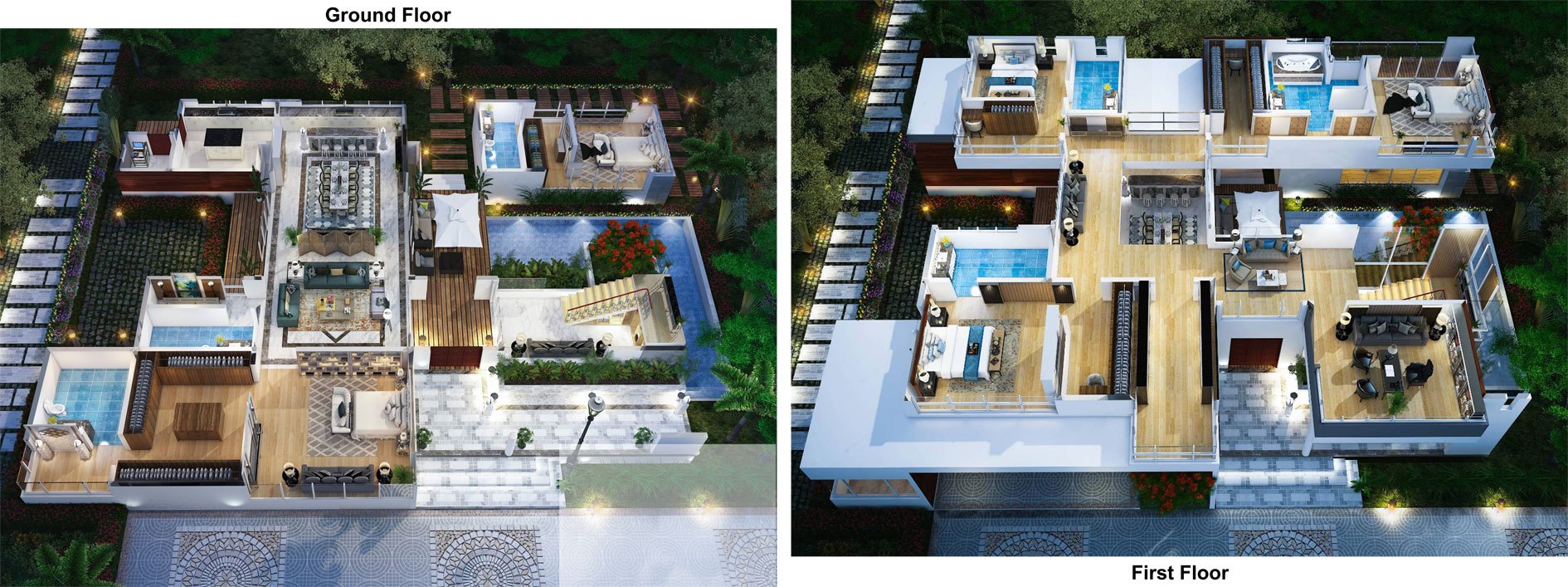





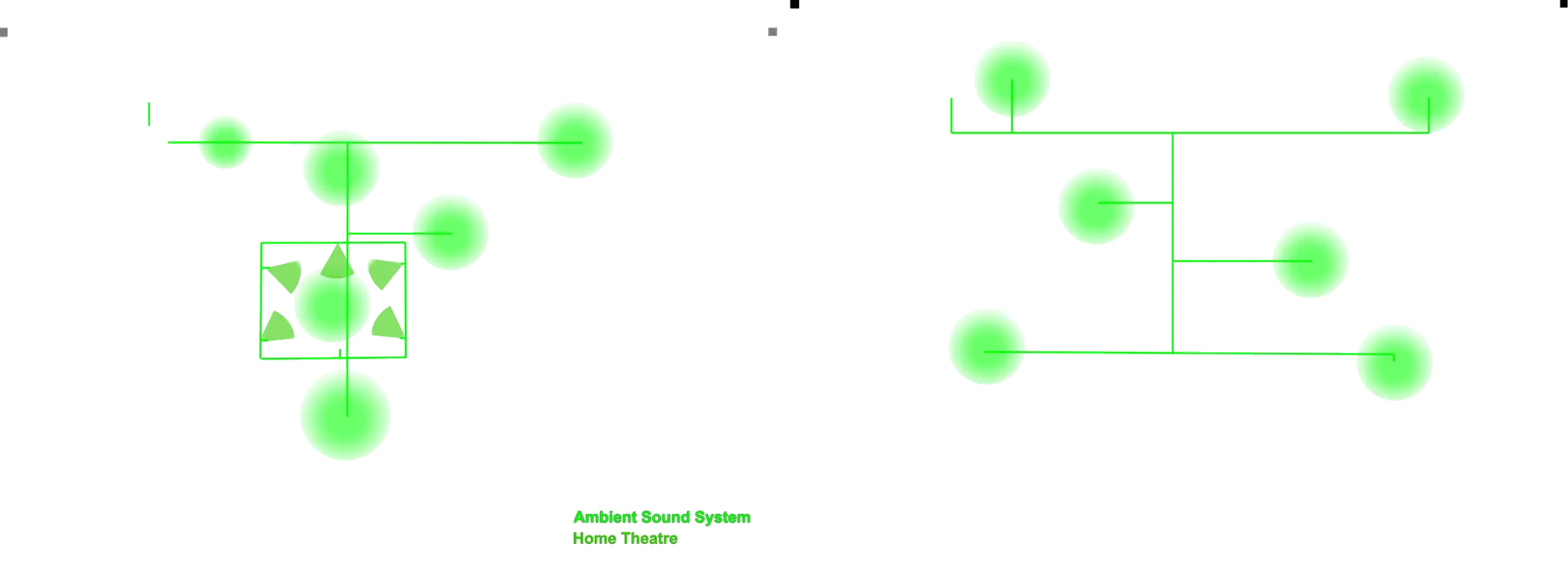
- Cable networkA wired point wherever a screen, desk, camera or access point will ever live.
- Wireless (Wi-Fi)Ceiling access points, one per zone, powered over the same cable.
- Fibre to the homeThe internet enters once, in the right place, and runs straight to the hub.
- SurveillanceCameras at the entrances and the perimeter, recorded locally.
- Security alarmSensors, sirens and the panel on their own routes.
- Sound and home theatreAmbient music in every zone, wired so it never buffers.
First fix
Commercial buildings plan their data. Homes leave it to the electrician.
Data cabling is not electrical cabling. It cannot share a conduit with mains power, it needs its own routes to every room, and it needs a home to terminate in. Get that into the drawings and the technology disappears into the walls. Miss it, and it ends up glued to them.
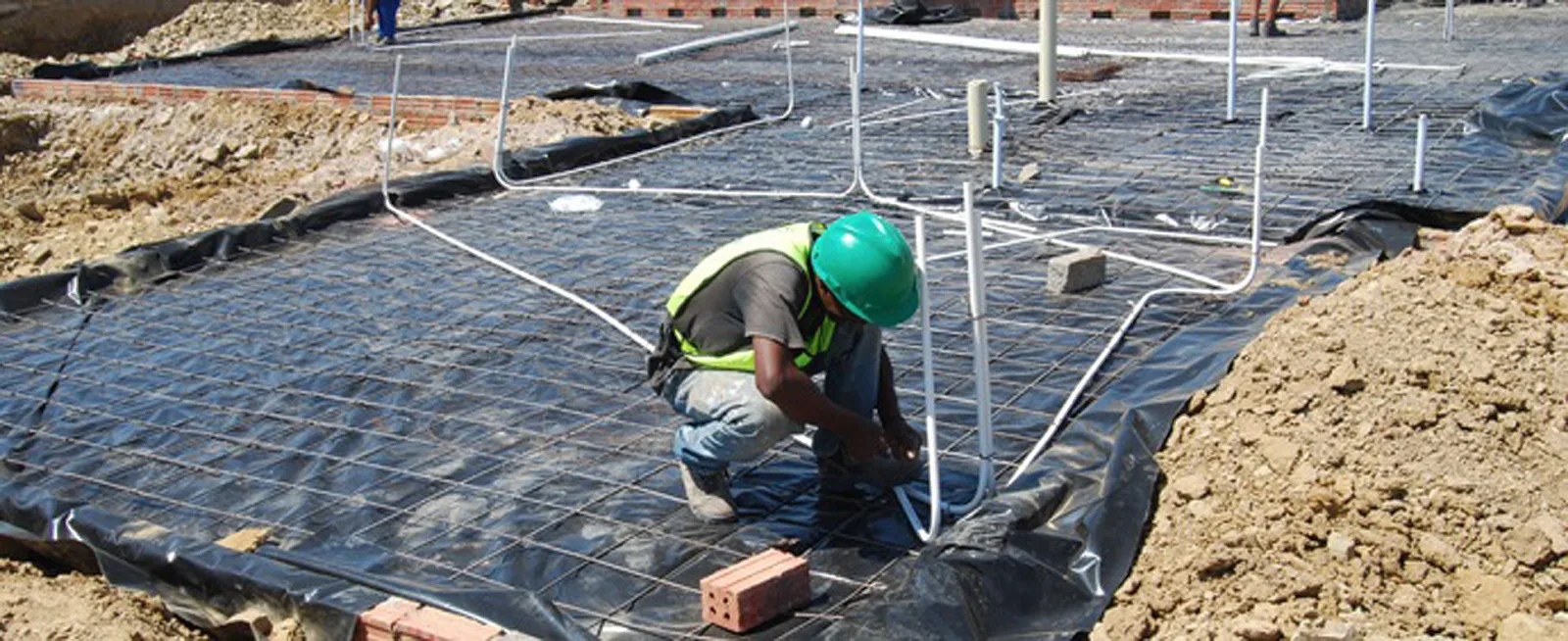
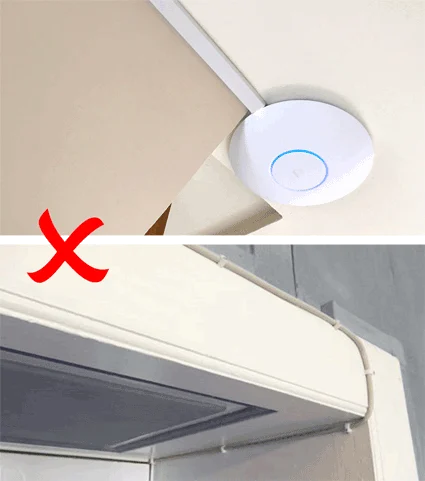
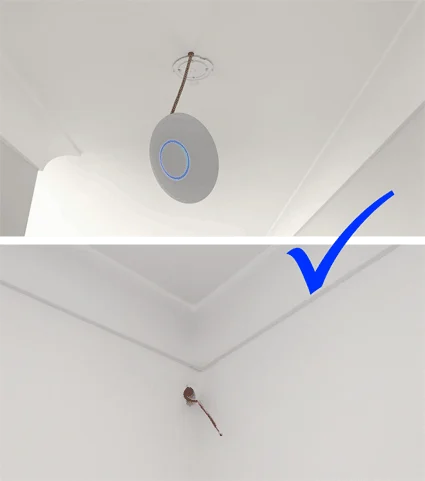
If it is not in the floor or in the walls, it will end up on the walls.
We have surveyed some of the most striking modern homes in the Winelands, and most of them managed to plan their conduit incorrectly while the walls were still raw. This is nearly impossible to solve afterwards.
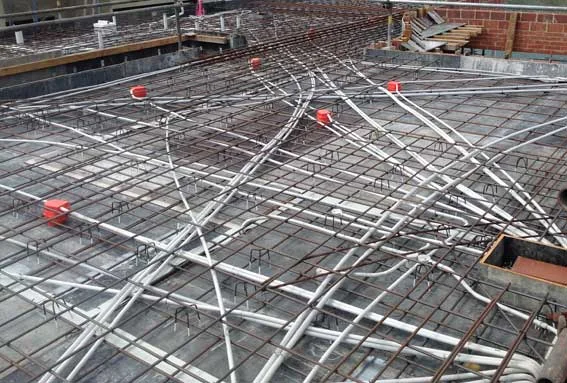
What we do on site
- Mark up the plan with every cable route and its destination
- Specify sleeve sizes and bends so cables can be pulled without damage
- Install or supervise the first-fix conduit before plastering
- Leave draw wires and spare routes for the future
- Bring every route back to one serviceable hub

Walls close
Talk to us before the plaster goes on.
Install or supervise the first-fix conduit before plastering. Leave draw wires and spare routes for the future. Bring every route back to one serviceable hub.
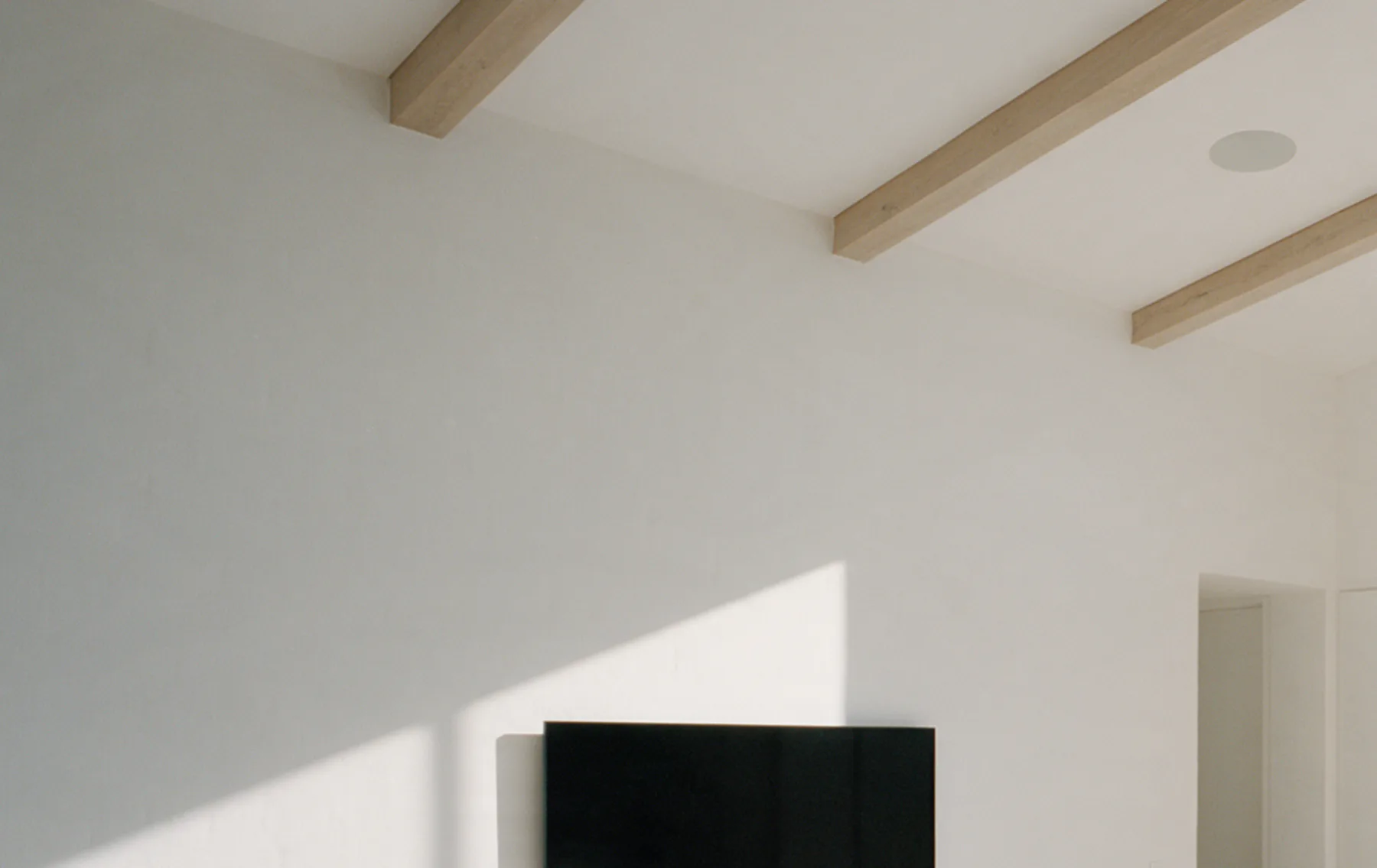
Gone. But not gone.
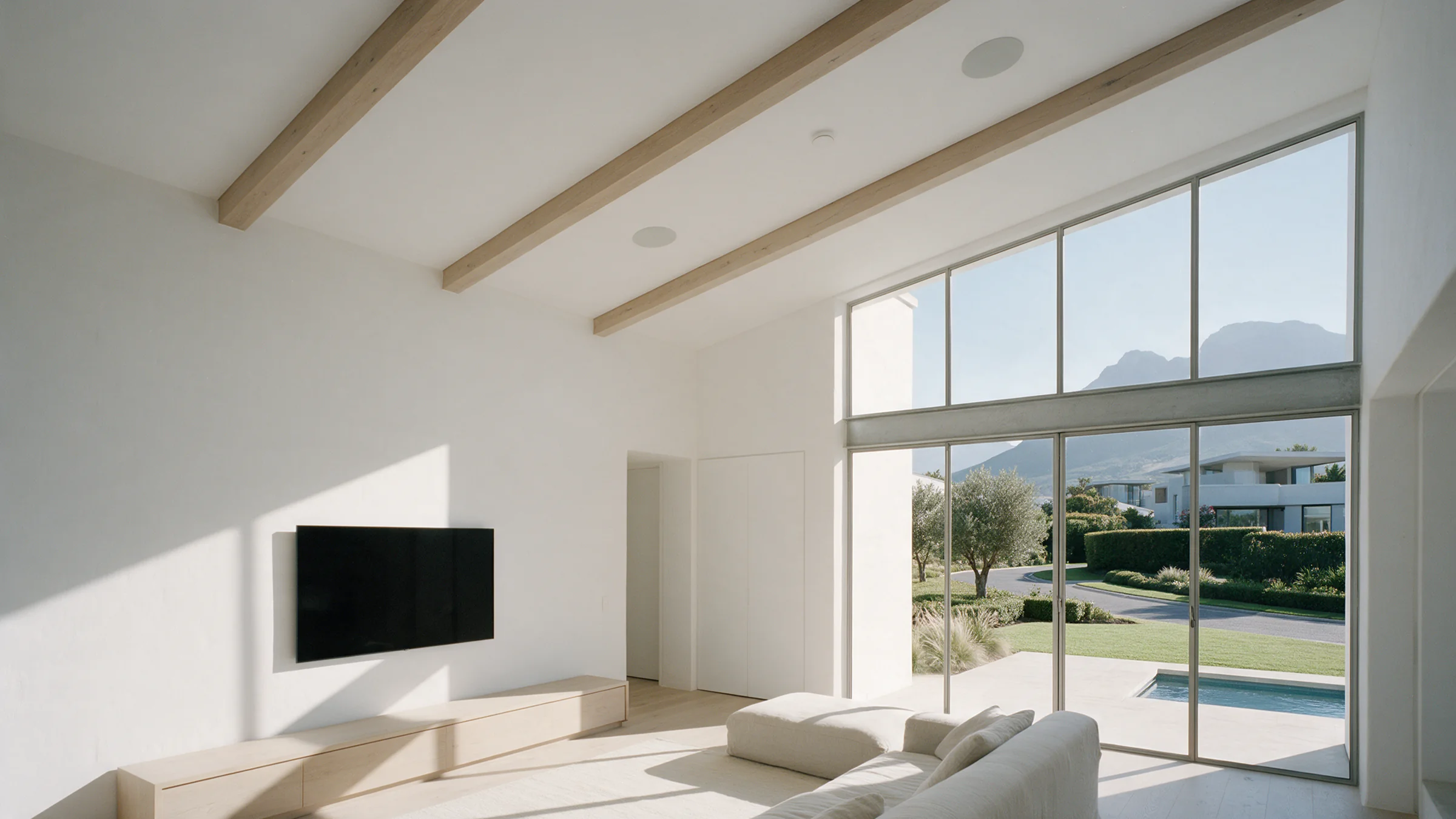
Handover
There is no such thing as wireless.
Everything in the house still has a cable somewhere. The trick is to put the cable where you never see it, and let the wireless do only what it is good at.
Wi-Fi is like sound.
A well-designed home is a day spa, with soft music from many small speakers, and you always hear the closest one.
Every route runs back to one hub.
Every access point is wired. Nothing shares a sleeve with power.
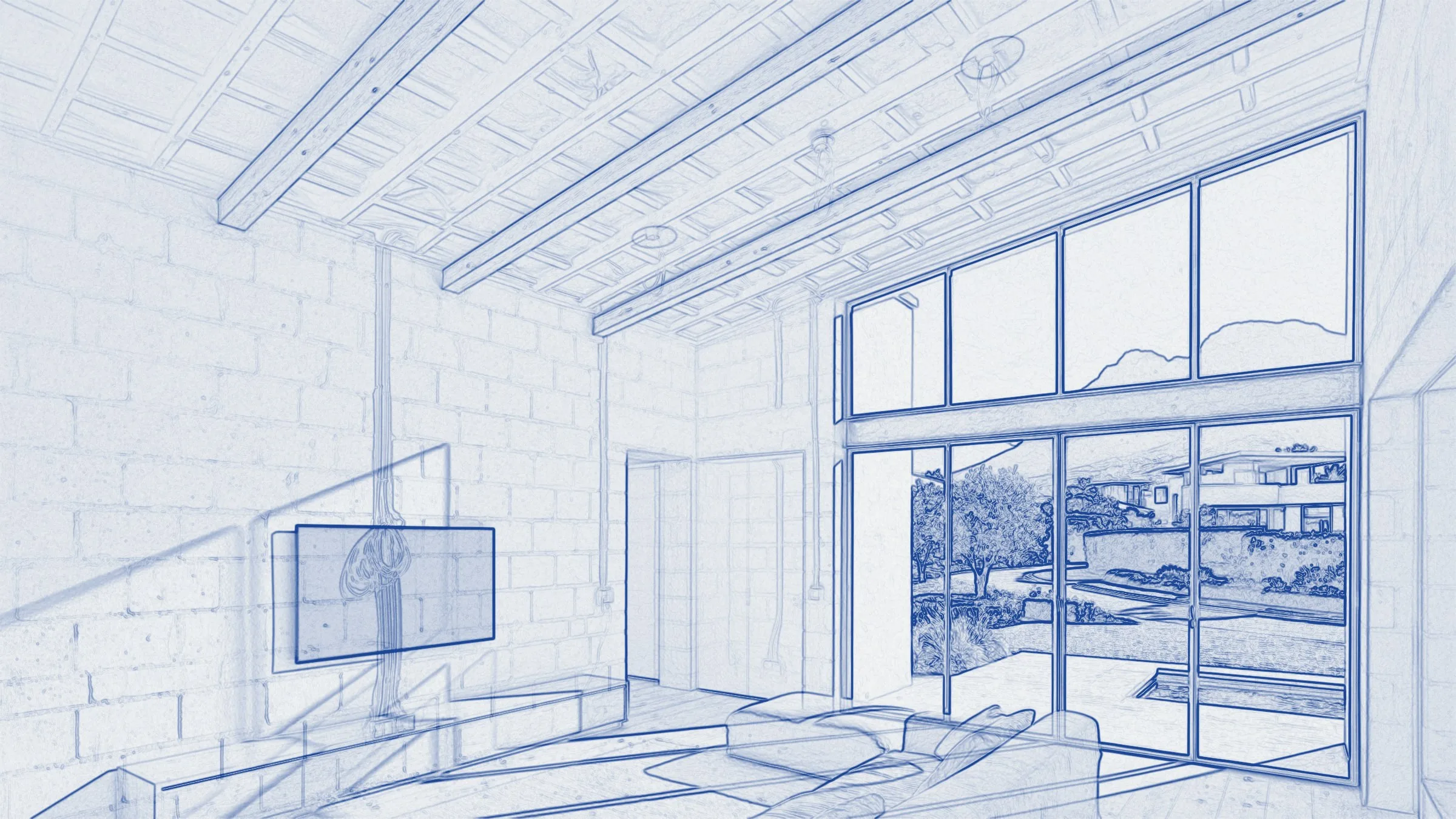
Move the lens over the room.Drag the lens, or tap the room.
Inside the walls of this room: a data point and a theatre feed behind the television, a ceiling access point powered over its cable, two in-ceiling speakers, a camera outside at the top of the glass, an alarm keypad beside the doorway and a sensor at the sliding doors, and fibre entering once through the floor from the garden. Every route runs to one cupboard at the back of the room.
Outside
The network doesn't stop at the front door.
The Internet of Things is moving into everyday life, so data has to be planned and covered everywhere a device will one day live.
The garden, the pool, the solar, the gate and the perimeter run back to the same hub as the house.
Planned once, they share routes, a hub and a single point of support.
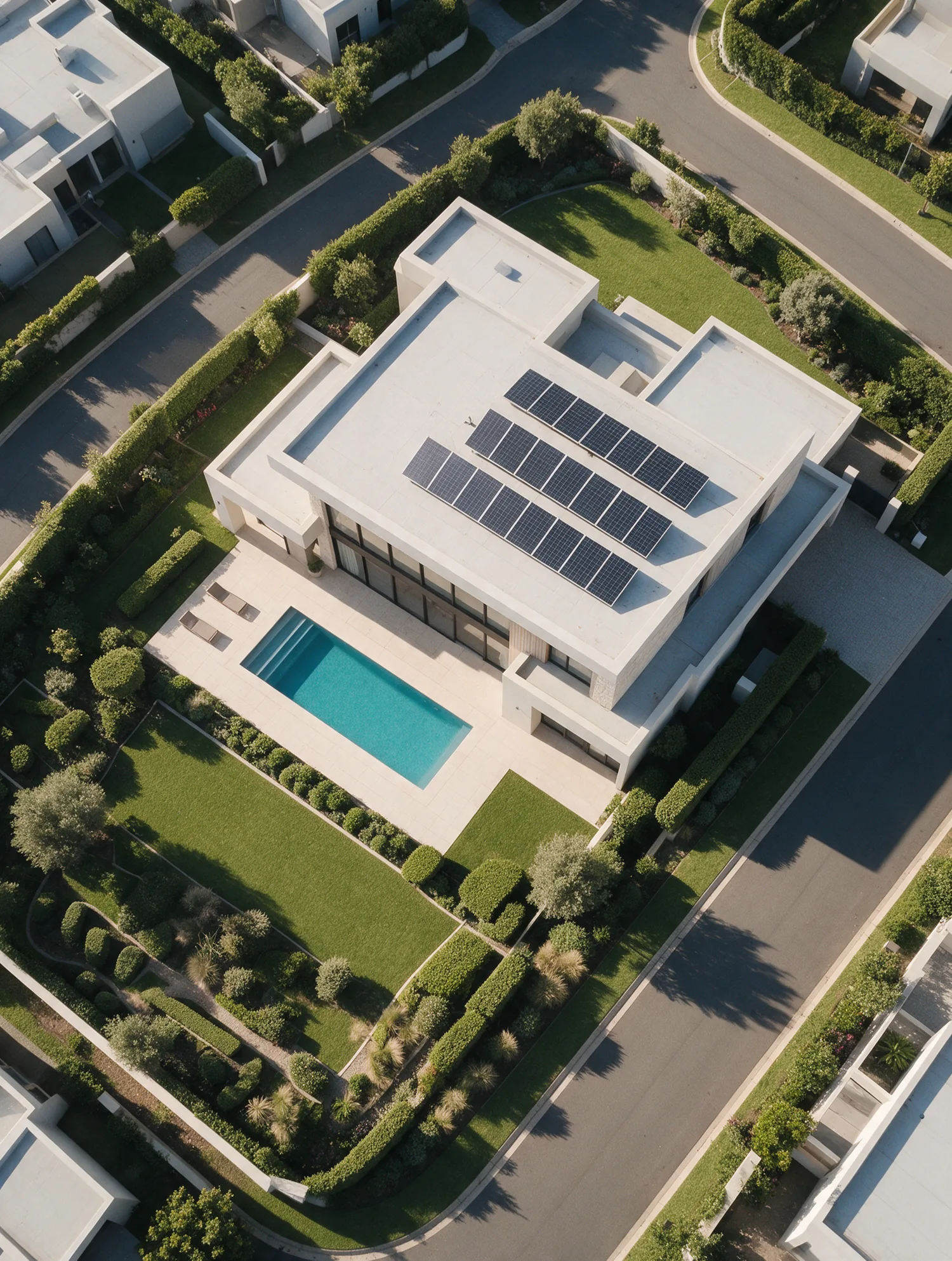
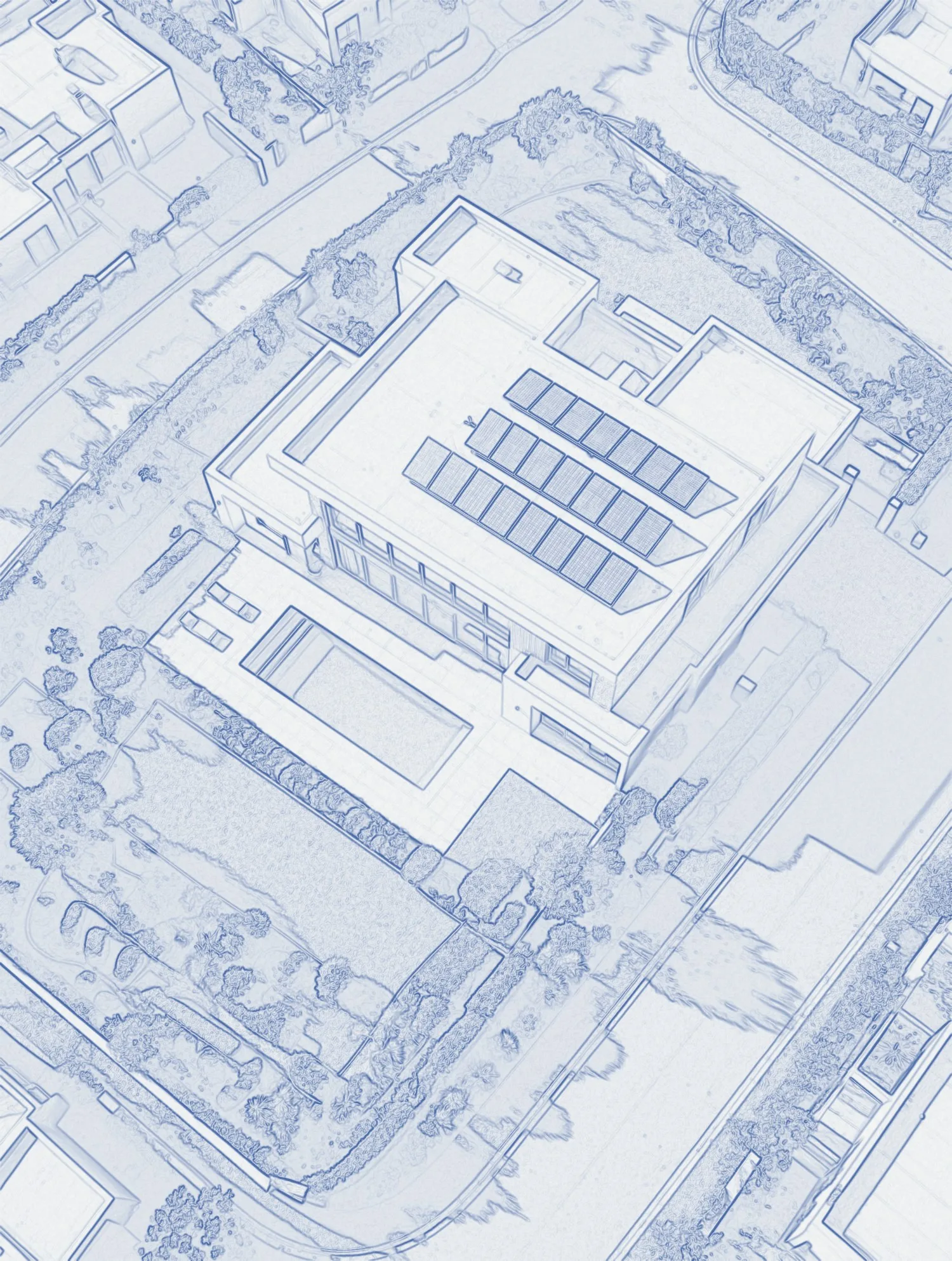
From the hub inside the house, the network runs out to the garden for irrigation, lighting and Wi-Fi outdoors; to the pool for the pump, heating and lights; up to the solar panels for inverter and battery monitoring; along the driveway to the gate for the intercom and access; and around the boundary for perimeter beams and cameras.

Years later
The system you bought gets better after you bought it.
Firmware and security updates are applied for you, on a schedule, so the system protects itself and gains features. Phone, remote and on-site support comes from the same team that installed it. No call centre.
My third home and still the same reliable service.
Lockdown forced my hand to fix the WiFi problem. Now I can seamlessly work from home and stream from every TV with not a cable in sight.
No more WiFi issues, thank you.
Your tech makes my new house feel like a modern home. The kids and I love the comfort and safety, even during load shedding.
Thank goodness you assisted. Renovating, data was the last thing on our minds.
No more bad Airbnb reviews. I can rest assured in Gauteng knowing my Western Cape properties are being maintained to a European data standard.
My 2nd house full of invisible tech that makes my mature life easier.
I got the whole package: WiFi, VoIP, power redundancy and cameras. The voice integration works like a charm. The robo-vacuum is brilliant, and I plan to expand other appliances to Google Home.
Thank you for fixing my surveillance and bad WiFi. Your after care is of the highest level.
The Google Home streaming and casting over a fully WiFi-covered home changed my technophobia.
This is my solution of choice.
Not even the German swallow we bought our smart home from got it right, but now we have data everywhere and I can actually control it.
I updated my rent-out house's data coverage and now both my tenants and I are happy knowing its reliability is in good hands.
Thank you for the consultation, it opened my eyes to the possibilities when I renovate my penthouse.
Homes across the Winelands and the Cape that simply work.
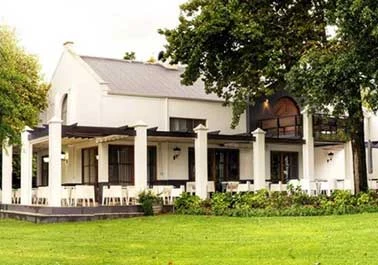
To protect our clients we do not show the inside of their networks. We can show you the homes they live in.
 Stellenbosch
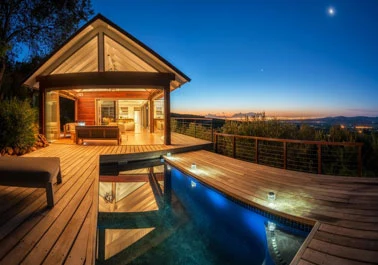 Stellenbosch
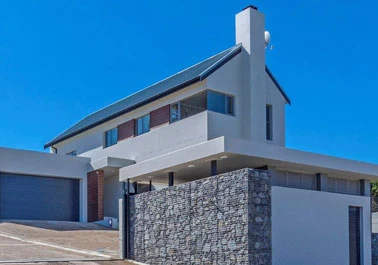 Somerset West
 Cape Town
 Stellenbosch
 Paarl
Paarl Stellenbosch
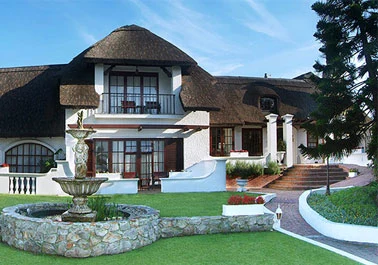 Hermanus
 Stellenbosch
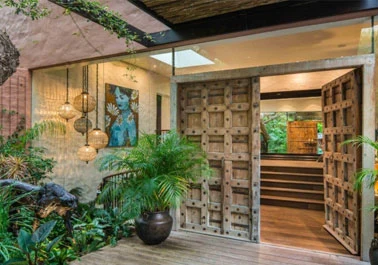 Fresnaye
 Stellenbosch
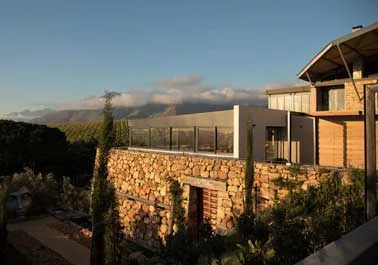 Helderberg
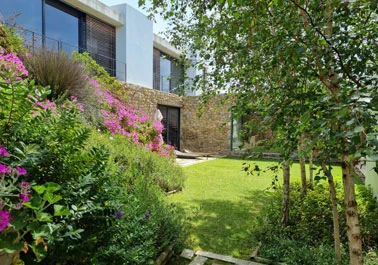 Stellenbosch
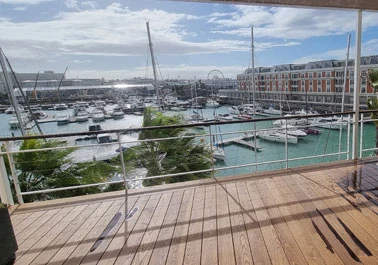 V&A Waterfront
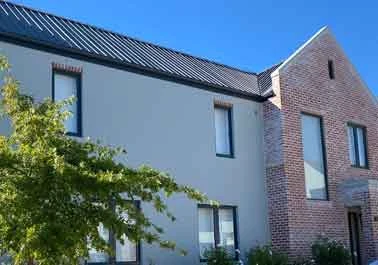 Stellenbosch
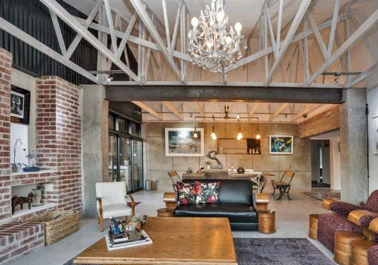 Somerset West
 Stellenbosch
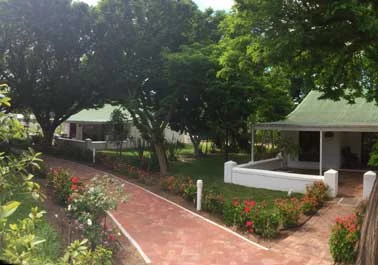 Franschhoek
 Stellenbosch
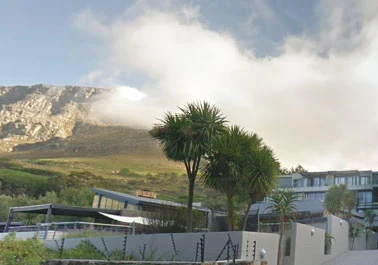 Cape Town
 Stellenbosch
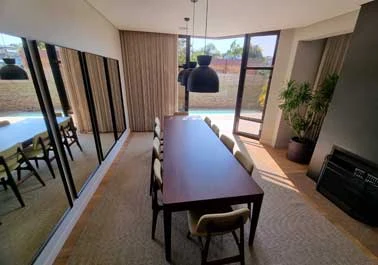 Welgemoed
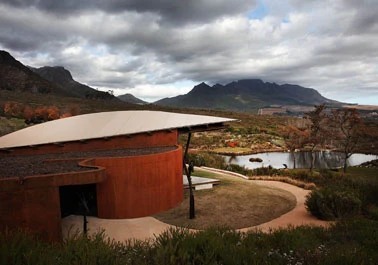 Stellenbosch
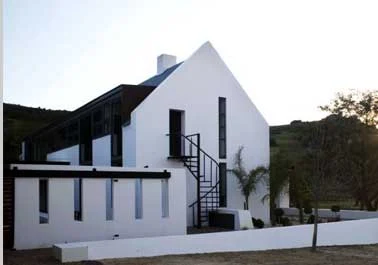 Paarl
Paarl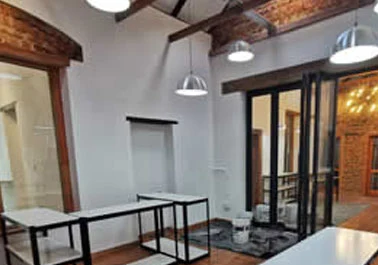 Stellenbosch
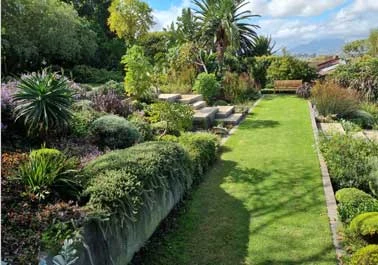 Eversdal
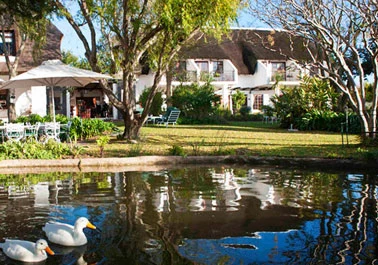 Stellenbosch
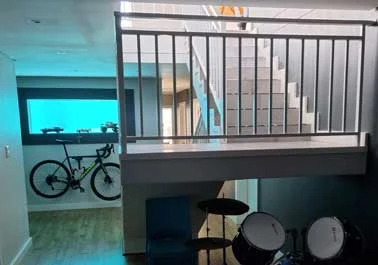 Zevenwacht
 Stellenbosch
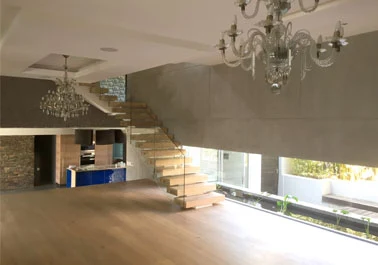 Bellville
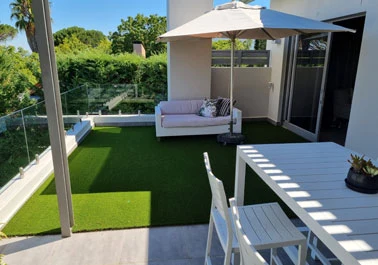 Stellenbosch
 Clanwilliam
 Stellenbosch
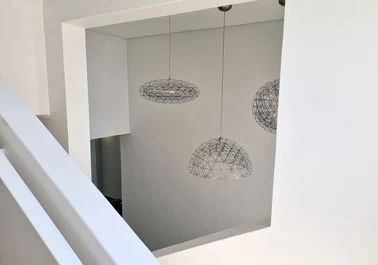 Stellenbosch
 Stellenbosch
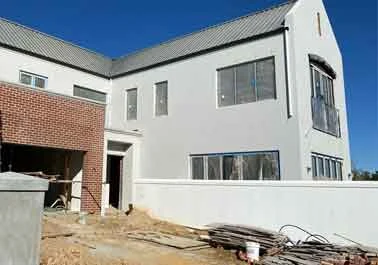 Stellenbosch
Your house
Building, renovating or just tired of bad Wi-Fi?
A consultation costs an hour of your time and can save you from a lifetime of cables on the wall. Existing homes are welcome too: most of what we do starts with a house that was never planned for it.